

JON DAVID TECH PRESENTS
JON DAVID TECH PRESENTS

Maximize your email impact with professionally designed templates.
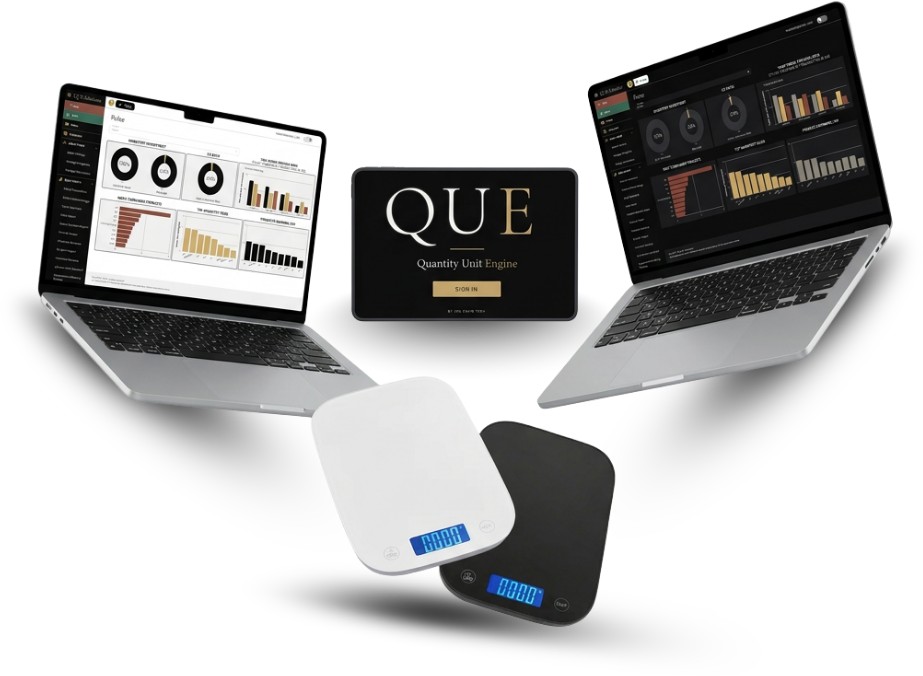
QUE is a smart color scale and stylist app that weighs, records and saves every formula. Your salon's numbers show up in QUESolutions, QUE's online dashboard.
THE PROBLEM
Salon Owners are juggling too much.
THE SOLUTION
QUE does the work. QUESolutions shows the results.
QUE lives at the color bar. Everything it captures flows into QUESolutions, where owners and stylists see the numbers.
THE PRODUCT
A scale and an app that works as one at the color bar.
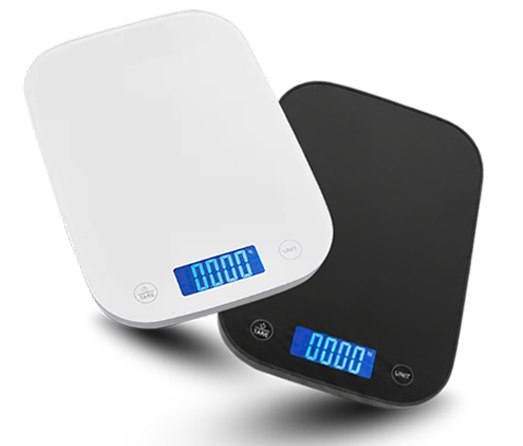
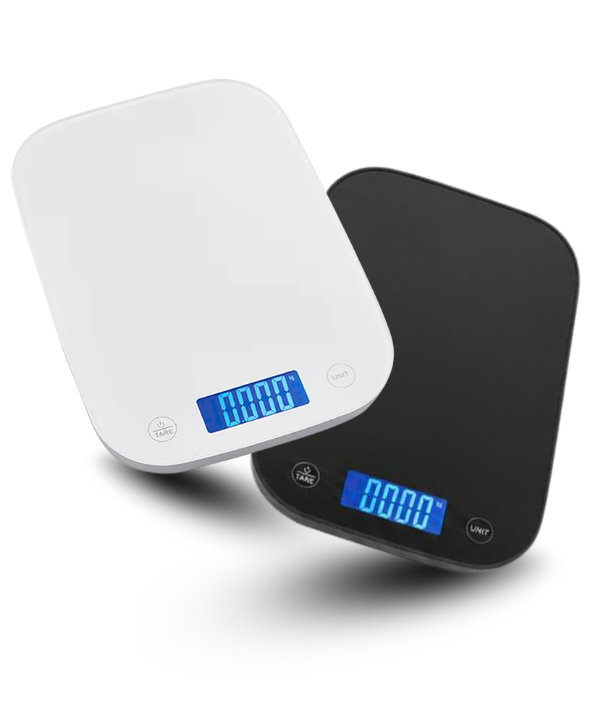
The QUE Scale
Ships to your salon. Weighs every color as it is dispensed, so nothing is estimated.

The QUE App
Stylists scan, mix and save each client's formula on a phone or tablet.
INCLUDED WITH QUE
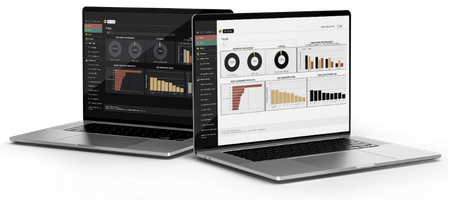
QUESolutions is QUE’s online dashboard, built to give every role in the salon the view it needs. Pulse gives owners a live read on how the business is running. Lens puts each stylist’s work and color usage in focus. Scheduler keeps bookings organized and the chairs full. Till handles checkout quickly so every visit ends smoothly.
HOW QUE WORKS
From scan to saved in under 45 seconds.
Step 1: Log in
The stylist opens QUE and sees their full day in Lens.
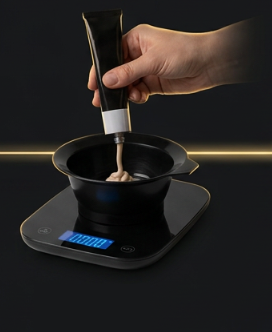
Step 2: Scan and dispense
Scan each color and dispense it onto the QUE scale.
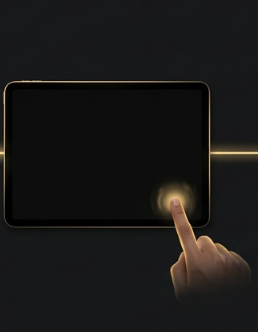
Step 3: Tap Finish
QUE saves the formula to the client's history.
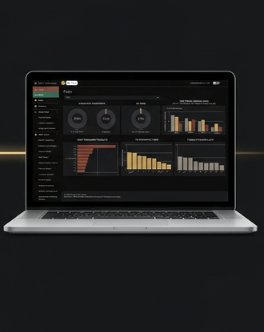
Step 4: Complete
Inventory updates instantly in QUESolutions.
QUESOLUTIONS - QUE'S ONLINE DASHBOARD
Four tools that run your salon.
Everything QUE captures, plus your bookings and checkout, in one place. No more juggling separate apps.
 Pulse FOR OWNERS
Your salon at a glance.
 Lens
FOR STYLISTS
Lens
FOR STYLISTS
Your day and your formulas.
Last formula, ready to repeat
 Scheduler FOR OWNERS AND STYLISTS
A full book, minus the back and forth.
 Till FOR OWNERS AND STYLISTS
Every charge, accounted for.
Join the QUE Founders Circle.
Ten salons get QUE free for six months. In return, we ask for 15 minutes of feedback a month to help shape what comes next.
6 months free
Then $100/month. No credit card. No contract.
YOUR BUSINESS MODEL
QUE fits chair rental and commission salons.
Chair rental
Set a chair rate per stylist. QUE tracks the color used on each service so it can be charged back, with a clear rent plus color breakdown.
Commission
Set a commission rate per stylist. Service revenue is tracked, color costs are deducted, and each period ends with a clean payout summary.
See QUE in your salon.
Book a demo. We'll bring the scale.